Your Data Is Your Money: How to Protect Yourself From Financial Scams
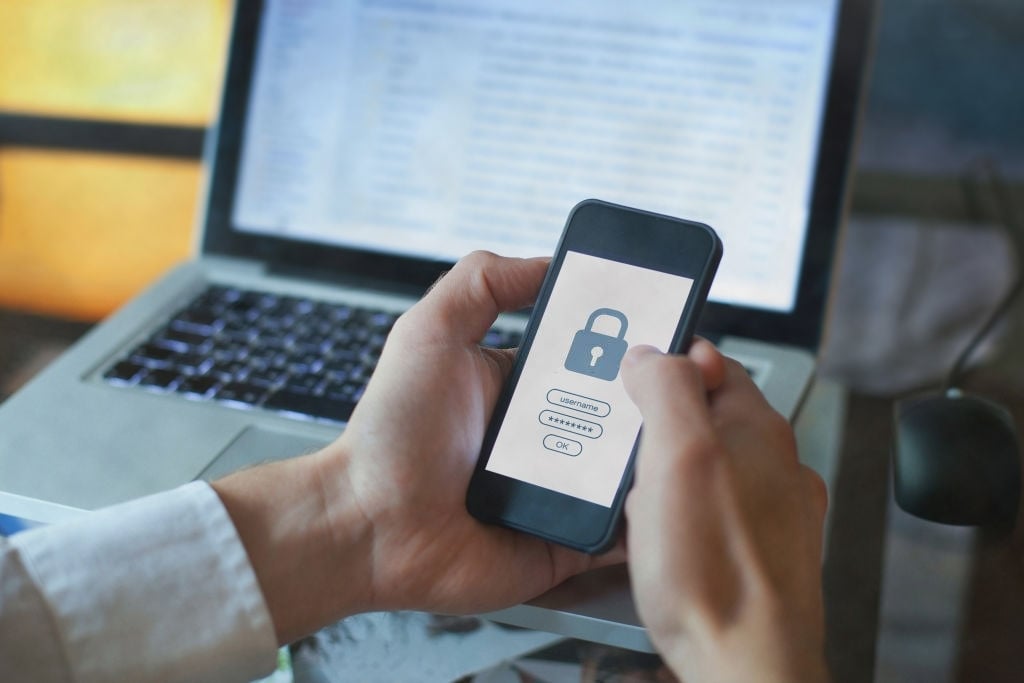
Cybercriminals aren't always after your money, at first.
A fake text message may ask you to verify your identity. A fake email may claim there's a problem with your bank account. A caller might tell you they need your password or PIN to stop a suspicious transaction.
In many cases, the immediate goal is to convince you to provide personal information that can eventually be used to access your financial accounts.
That's why protecting your data and protecting your money increasingly go hand in hand. This Cybersecurity Awareness Month, take a few minutes to learn the warning signs of common scams and the habits that can help keep your information (and your finances) safer.
Phishing Scams Can Take Many Forms
Phishing occurs when a fraudster impersonates a trusted person or organization to convince you to share sensitive information, click a malicious link, send money or take another action.
And phishing doesn't happen only through email. Scammers can contact you through:
- Email: A message may claim your account has been locked or suspicious activity has been detected.
- Text message: You might receive an urgent warning asking you to click a link or call a phone number.
- Phone call: Someone may impersonate your bank, a government agency, law enforcement or another trusted organization.
- Social media: Fraudsters can create fake profiles or send messages designed to collect personal information.
The message may look legitimate. It might use a familiar logo, reference a company you do business with or create a sense of urgency.
That's why one of the best defenses against phishing is simple: slow down before you respond.
Know the Red Flags of a Financial Scam
Fraudsters often want you to act before you have time to question what they're telling you.
Be cautious when a message or caller:
- Creates an unusual sense of urgency or threatens immediate consequences
- Asks for your password, PIN, security code or other sensitive information
- Asks you to click an unexpected link
- Requests payment through an unusual method
- Claims you've won a prize or received money you weren't expecting
- Asks you to move money to "protect" it
- Uses an email address, website or phone number that doesn't match the organization it claims to represent
If something doesn't feel right, don't use the contact information provided in the suspicious message.
Instead, independently find a trusted phone number or website for the organization and contact it directly.
Remember What Heritage Bank Won't Ask You to Do
Knowing what your bank won't ask for can make scams easier to identify.
Heritage Bank will never ask you to provide your password or PIN by phone or text, and we will not send you clickable links via SMS.
If you receive a text claiming to be from Heritage Bank that contains a link, don't click it. Likewise, don't provide sensitive information simply because a caller or message appears to know details about you or your account.
When in doubt, contact Heritage Bank directly using contact information you know is legitimate.
Small Security Habits Can Make a Big Difference
You don't need to be a cybersecurity expert to improve your protection. A few proactive habits can make it more difficult for someone to gain access to your accounts.
Use Strong, Unique Passwords
Avoid reusing the same password across your financial accounts, email, social media and other websites. If one account is compromised, reused credentials could put additional accounts at risk.
Use Multi-Factor Authentication
Multi-factor authentication, or MFA, adds another layer of verification beyond your password. Enable it wherever it's available, particularly for financial and email accounts.
Turn On Account Alerts
Account and transaction alerts can help you notice unusual activity quickly.
Through Heritage Bank's digital banking platform, customers can establish alerts to help monitor activity on their accounts. Instead of waiting until you review a statement, alerts can give you greater visibility into what's happening with your money.
Take Advantage of Card Controls
Card controls provide another way to actively manage your accounts. Heritage Bank customers can use digital banking tools to manage their cards and add another layer of oversight to everyday spending.
Keep Your Devices Updated
Software and operating-system updates frequently contain important security fixes. Keeping your phone, computer, browser and apps current can help protect against known vulnerabilities.
What Should You Do If You Think You've Been Scammed?
Act quickly if you believe you've shared sensitive information, clicked a malicious link or notice activity you don't recognize.
Start by contacting your financial institution directly. Depending on what information you fear has been compromised, you may also need to:
- Change affected passwords immediately.
- Review recent account activity for transactions you don't recognize.
- Secure other accounts that use the same or similar login credentials.
- Continue monitoring your financial accounts for unusual activity.
- Follow any additional security steps recommended by your financial institution.
Don't be embarrassed to report something suspicious. The sooner potential fraud is identified, the sooner steps can be taken to help secure your accounts.
Make Security Part of Your Financial Routine
Cybersecurity isn't something to think about only when a suspicious email arrives. Just as you regularly review your budget or account balances, checking your security settings should become part of managing your finances.
This Cybersecurity Awareness Month, take a few minutes to review the protections you already have in place.
Log in to Heritage Bank digital banking to review your account alerts, card controls, security settings and other available tools. A few proactive steps today can help you stay informed and better protect your financial information tomorrow.